How to Generate a Lifetime Free QR Code?
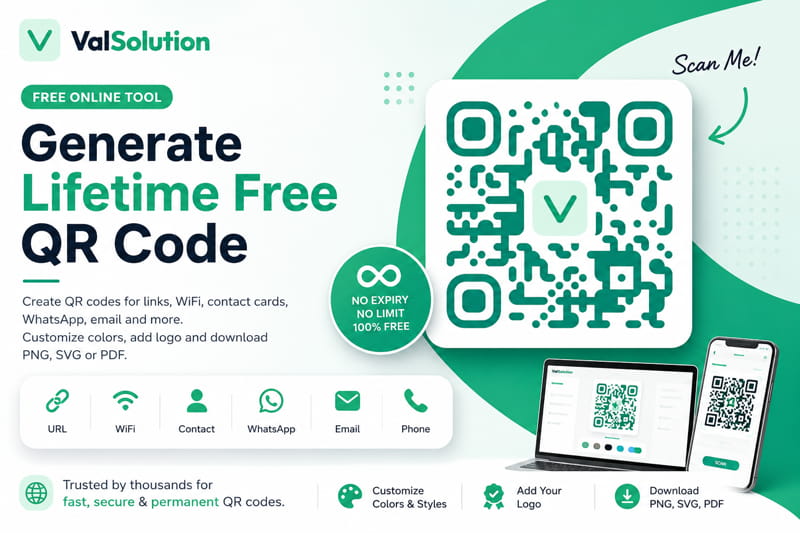
QR codes are now used almost everywhere. A restaurant can use one for its digital menu, a business owner can share contact details, and you can even create a QR code for your home Wi-Fi password.
However, many people face the same problem: they create a QR code using a free website, but after a few days or weeks, the code stops working or the website asks them to pay.
This usually happens when the website creates a dynamic QR code. A dynamic QR code may depend on the service provider’s server and can sometimes come with scan limits, expiry dates, or paid plans.
To avoid this problem, you should create a static QR code.
A static QR code stores the information directly inside the QR pattern. It does not need a subscription and normally continues working as long as the information inside it remains valid.
You can create one using the free ValSolution QR Code Generator:
Tool: https://www.valsolution.com/tools/qr-code-generator
Why Use ValSolution’s QR Code Generator?
ValSolution provides a simple browser-based QR code generator. You can create and download a QR code without registering for an account.
Free and Permanent QR Codes
The tool creates static QR codes. There is no expiry date, scan limit, or monthly subscription required.
Once downloaded, the QR code is yours to use.
Create Different Types of QR Codes
The tool is not limited to website links. You can create QR codes for:
-
Website URLs
-
Wi-Fi networks
-
WhatsApp messages
-
Contact details
-
Email addresses
-
Phone numbers
-
Plain text
This makes it useful for both personal and business purposes.
Customize the QR Code
You can change the QR code colours to match your website, shop, brand, or product design.
You can also apply ready-made styles and add your own logo in the centre of the QR code.
While adding a logo, always keep enough contrast between the background and the QR pattern so that mobile phones can scan it easily.
Your Data Stays in Your Browser
The QR code is generated directly in your web browser. Your entered information and uploaded logo are not required to be stored on the website’s server.
This is especially useful when creating QR codes for Wi-Fi passwords, contact information, or private business details.
Download in Different Formats
After creating the QR code, you can download it in different file formats:
-
PNG: Best for websites, social media, and normal digital use
-
SVG: Best for banners, packaging, and large-size printing
-
PDF: Useful for documents and printing
SVG is a good choice when you need to enlarge the QR code without losing quality.
How to Create a Lifetime Free QR Code
Creating a QR code takes only a few steps.
Step 1: Open the QR Code Generator
Visit the ValSolution QR Code Generator:
https://www.valsolution.com/tools/qr-code-generator
Step 2: Select the QR Code Type
Choose what you want the QR code to do.
For example, you can select a website link, Wi-Fi connection, WhatsApp message, contact card, or email.
Step 3: Enter the Required Information
Fill in the details according to the selected QR code type.
For a website QR code, enter the full website URL.
For a Wi-Fi QR code, enter the Wi-Fi name, password, and security type.
Step 4: Customize the Design
Choose the colours and style you want.
You can also upload a logo to make the QR code look more professional and suitable for your brand.
Step 5: Check the Live Preview
The QR code preview will appear on the screen.
Before downloading it, scan the preview using your mobile phone. Make sure it opens the correct link or performs the expected action.
This step is important, especially when creating QR codes for printing.
Step 6: Download the QR Code
Choose PNG, SVG, or PDF and download the QR code to your device.
You can now use it on posters, visiting cards, menus, product packaging, websites, or social media posts.
Important Things to Remember
A static QR code itself does not expire, but the information connected to it can stop working.
For example, if you create a QR code for a website and later delete or change that web page, the QR code will still contain the old link.
Similarly, a Wi-Fi QR code may need to be created again if you change the Wi-Fi password.
Always test the downloaded QR code before printing it in large quantities.
Final Words
You do not need to pay a monthly fee just to create a simple QR code.
With ValSolution’s free QR Code Generator, you can create customized static QR codes for links, Wi-Fi, WhatsApp, contact details, email, and many other purposes.
There is no account registration, credit card, expiry date, or scan limit. Create your QR code, test it, and download it in the format you need.
Comments
Share a useful thought or ask a question about this article.
Leave a comment